


Flash Sale
Ends In :
0 days : 00 hrs : 00 mins : 00 sec
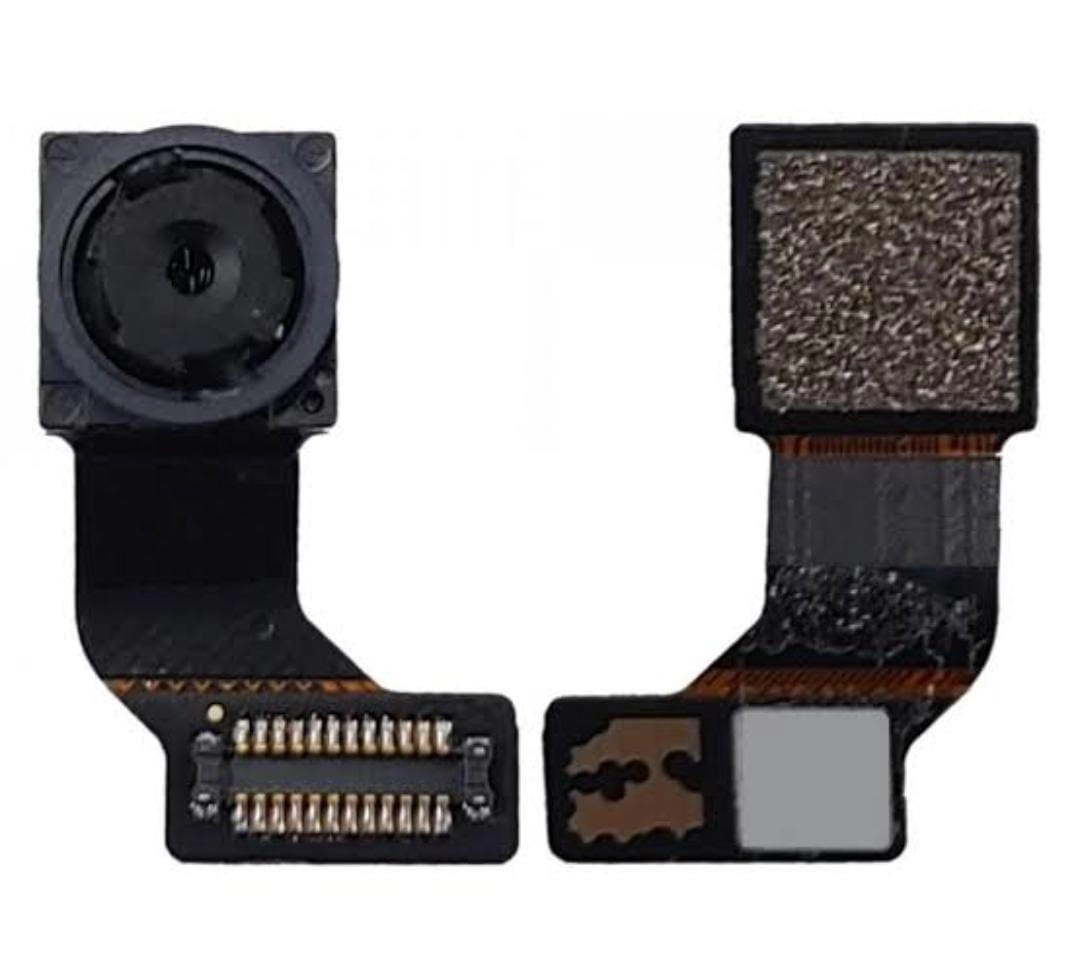
OnePlus 8 Pro Front Camera-100% Original, Premium Care Quality
Get 5% cash back
₹241
₹371
35% Off
Need a better price? Share your required quantity and the seller will quote you their best rate.
24-36 Hours Dispach

24Hours Return

Pay on Delivery(COD)

100% Secure Delivery & Transaction

Ecom Logistics

Affiliate Commission : ₹12.05 (5.00%)

Key Features
- 100% Original: Made with genuine parts for superior quality and performance.
- Premium care quality for reliable performance
- Fast 24H Replacement Warranty: Limited cover on camera for peace of mind.
- Reliable Performance – Built for lasting use.
- High-Resolution Selfies – Sharp and clear image capture.
- Factory-tested for flawless performance
- Quick Installation – Easy to replace with basic tools.
Frequently Bought Together
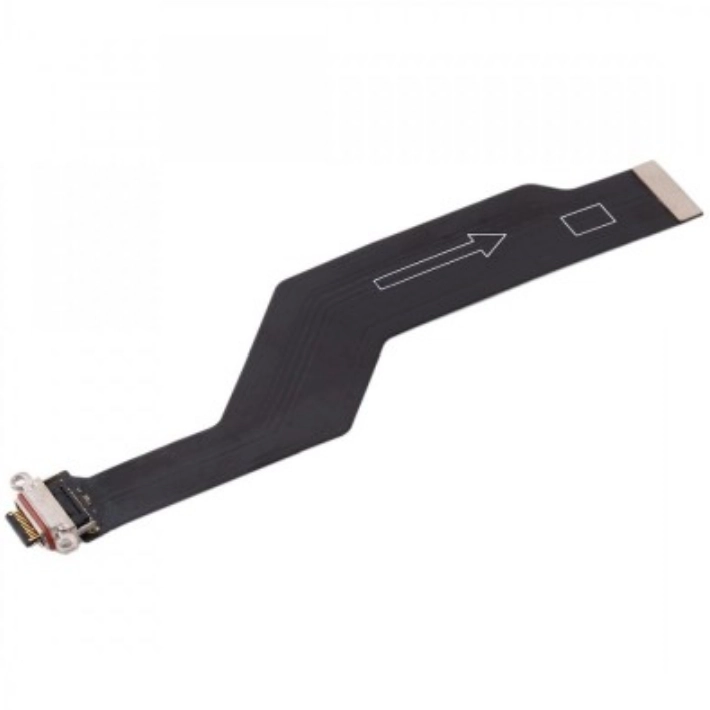
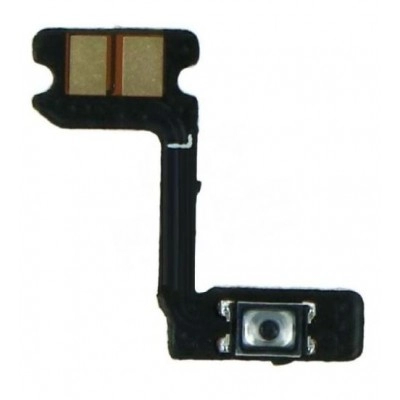
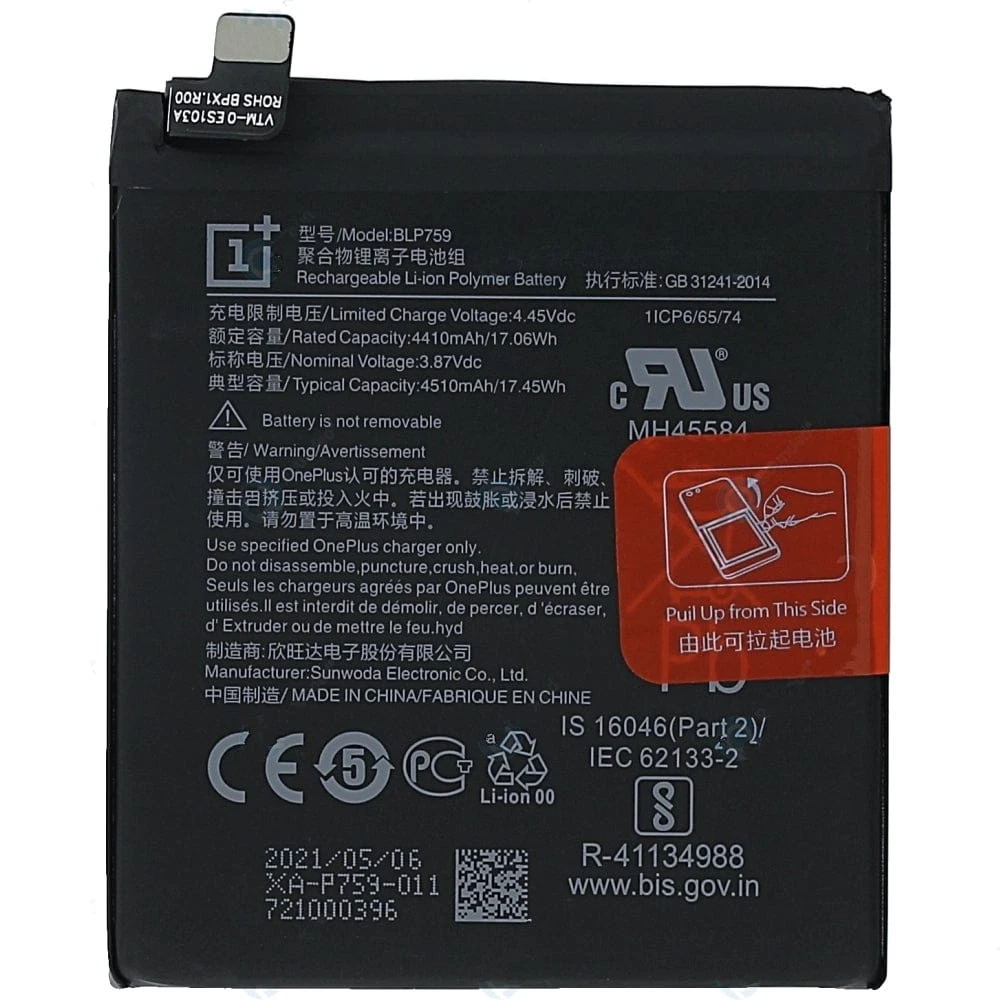
Total: ₹811
Add all to Cart
OnePlus 8 Pro Front Camera Replacement
Highlights
- Model Compatibility: Specifically designed for the OnePlus 8 Pro.
- Camera Specifications: 16 MP, f/2.0 aperture, 1.0µm pixel size.
- Quality: OEM (Original Equipment Manufacturer) quality, ensuring a perfect fit and optimal performance.
- Tools Required: T1 Torx screwdriver, Phillips PH00 screwdriver, plastic opening tools, suction cup, spudger, tweezers, and a SIM card eject tool.
Application Details
Preparation:
- Power off the OnePlus 8 Pro and remove the SIM card tray using the SIM card eject tool.
- Use a heat gun or hair dryer to soften the adhesive around the back cover.
Disassembly:
- Use a suction cup to create a gap between the back cover and the display assembly.
- Insert a plastic opening tool into the gap and slide it along the edges to release the back cover clips.
- Remove the screws securing the metal plate and disconnect the battery connector to prevent any electrical damage.
- Carefully lift the motherboard to access the front camera module.
Camera Replacement:
- Disconnect the front camera connector from the motherboard.
- Remove the old front camera module.
- Install the new front camera module, ensuring it is securely connected.
Reassembly:
- Reattach the motherboard and secure it with screws.
- Reconnect the battery and other connectors.
- Snap the back cover back into place and reinsert the SIM card tray.
This replacement process restores the front camera functionality, allowing for clear selfies and video calls. If you encounter any issues, consider seeking professional repair services for assistance.
Technical Details
| Brand: | OnePlus |
|---|---|
| Model number: | 8 PRO |
| Part Number: | 08 |
| Seller SKU: | Fatima-401 |
| Condition: | New |
| Origin: | India |
| Availability: | In Stock |
| Minimum order quantity: | 1 |
| Shipping weight: | 500.00 g |
| Date first listed on DP MART : | Aug 31, 2024 |
OnePlus 8 Pro Front Camera Replacement: Seller Specifications
Key Features
- Sensor: Sony IMX471
- Megapixels: 16 MP
- Pixel Size: 1.0 µm
- Aperture: f/2.45
- Electronic Image Stabilization (EIS): Yes
- Autofocus: Fixed Focus
Applications
- High-Quality Selfies: The 16 MP sensor with EIS ensures clear and stable selfies, even in low light conditions.
- Video Calls: The 1080p video recording capability provides high-definition video quality for video calls and conferencing.
- Face Unlock: The front camera supports face unlock, adding an extra layer of security and convenience.
- HDR and Screen Flash: These features enhance photo quality by balancing light and dark areas and providing additional lighting in low-light conditions.
- Face Retouching: This feature allows for automatic enhancements to selfies, making them look more polished and professional.
Dhruvin Verified Purchase | 5 months ago
The item arrived on time and in perfect condition.
Naveen kumar Verified Purchase | 5 months ago
Pretty solid overall. Minor issues but nothing major.
tarawanti Verified Purchase | 6 months ago
Pretty solid overall. Minor issues but nothing major.
HARSHAD PATEL Verified Purchase | 6 months ago
Good customer service and fast resolution of my queries.
Sonu sharma Verified Purchase | 6 months ago
Satisfactory purchase. Meets my requirements.
Gulvej Verified Purchase | 7 months ago
The item arrived on time and in perfect condition.
Prem Thakur Verified Purchase | 7 months ago
Decent quality, but could be improved in some areas.
Kumar kumar Verified Purchase | 8 months ago
Great value for money. Would recommend to others.
Related Items
₹1,404
₹2,160
35% Off₹1,404
₹2,160
35% Off
₹621
₹955
35% Off₹621
₹955
35% Off
₹56
₹86
35% Off₹56
₹86
35% Off

₹236
₹363
35% Off₹236
₹363
35% Off
₹126
₹194
35% Off₹126
₹194
35% Off
₹191
₹294
35% Off₹191
₹294
35% Off
₹336
₹517
35% Off₹336
₹517
35% Off
4231
Active listings209
Items sold
Welcome

KK Spare
Delhi, Delhi
kkspare1404@yopmail.com
Delhi, Delhi
kkspare1404@yopmail.com
KARAN Verified Purchase | 1 month ago
Please send Blue / Fusion Blue color for Realme 7i (RMX2103)
Sanjay Verified Purchase | 2 months ago
Frant cemara not working
Sk Kased Verified Purchase | 1 year ago
Service Not Good Ail Product Not Bya

